Web
Nothing to install
Open it in any browser and trade. No downloads, no licences and no version that goes out of date.
BKquote runs on Match-Trader, with TradingView charts built in and copytrading included. Web, mobile and desktop on the same account and the same session, with nothing to install.
Web · iOS · Android · No downloads required

Not a link that opens TradingView in another tab. The charts are embedded, so your indicators, your drawings and your order entry all live in the same window.

Match-Trader is a Progressive Web App. In plain terms: it works like an installed app but runs from your browser, so there is no download, no update to chase and no storage taken up.
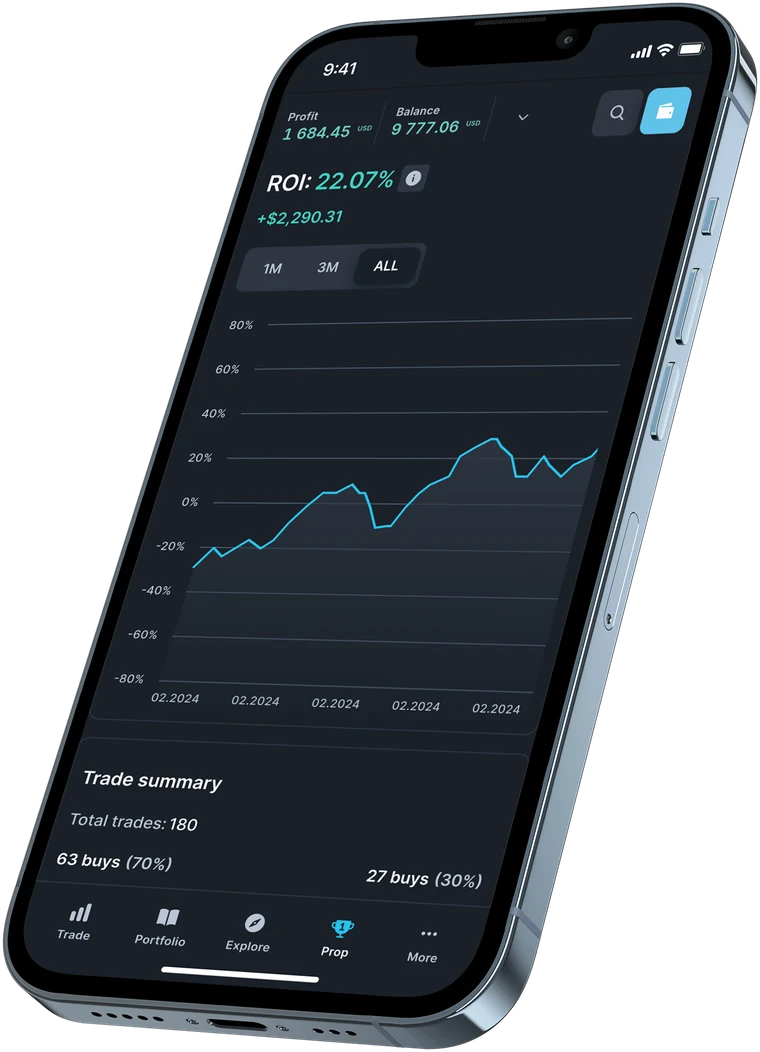
Open it in any browser and trade. No downloads, no licences and no version that goes out of date.
Add it to your home screen and it behaves like a native app. It is light, so it runs well even on older phones.
Start an analysis on your laptop and finish it on your phone. Layouts, watchlists and settings follow you.
Copytrading is part of the platform, not a separate product. Browse signal providers, see their track record, allocate capital and stop whenever you want. Your funds never move.

You do not need a separate tool to know how you are doing. Performance analytics, the economic calendar and market news sit in the same screen as your open trades.

Available on all three account types, with no restrictions on scalping, hedging, algorithms or trading during news.
No. Match-Trader is a Progressive Web App, which means it runs in your browser and can be added to your home screen with one tap. It behaves like a native app but there is nothing to install, nothing to update and nothing taking up storage.
Yes. TradingView charts are built into the platform, with the same indicators, drawing tools and timeframes you use on TradingView itself. You place orders directly from the chart rather than switching between two windows.
Yes, and it is the same session. Watchlists, layouts, timeframes and indicator settings sync in real time, so switching device does not mean starting over.
Yes, it is built in. You browse signal providers, allocate capital and start or stop copying from inside the platform, with no second app and without moving funds anywhere.
Yes. Automated systems are allowed on every BKquote account, with no additional restrictions on scalping, hedging or trading during news.
Funding is handled in your BKquote Client Portal, not in the trading platform. You log in there to deposit, request a withdrawal and check your transaction history. Withdrawals are processed instantly, by bank transfer or cryptocurrency.
Market, limit and stop orders, with stop loss and take profit attachable to any position and editable directly from the chart.
It should. The app is deliberately lightweight and does not depend on installing a large native package, so it performs well on older generation devices.
Live or demo, on any device, in the same session.